
Introduction
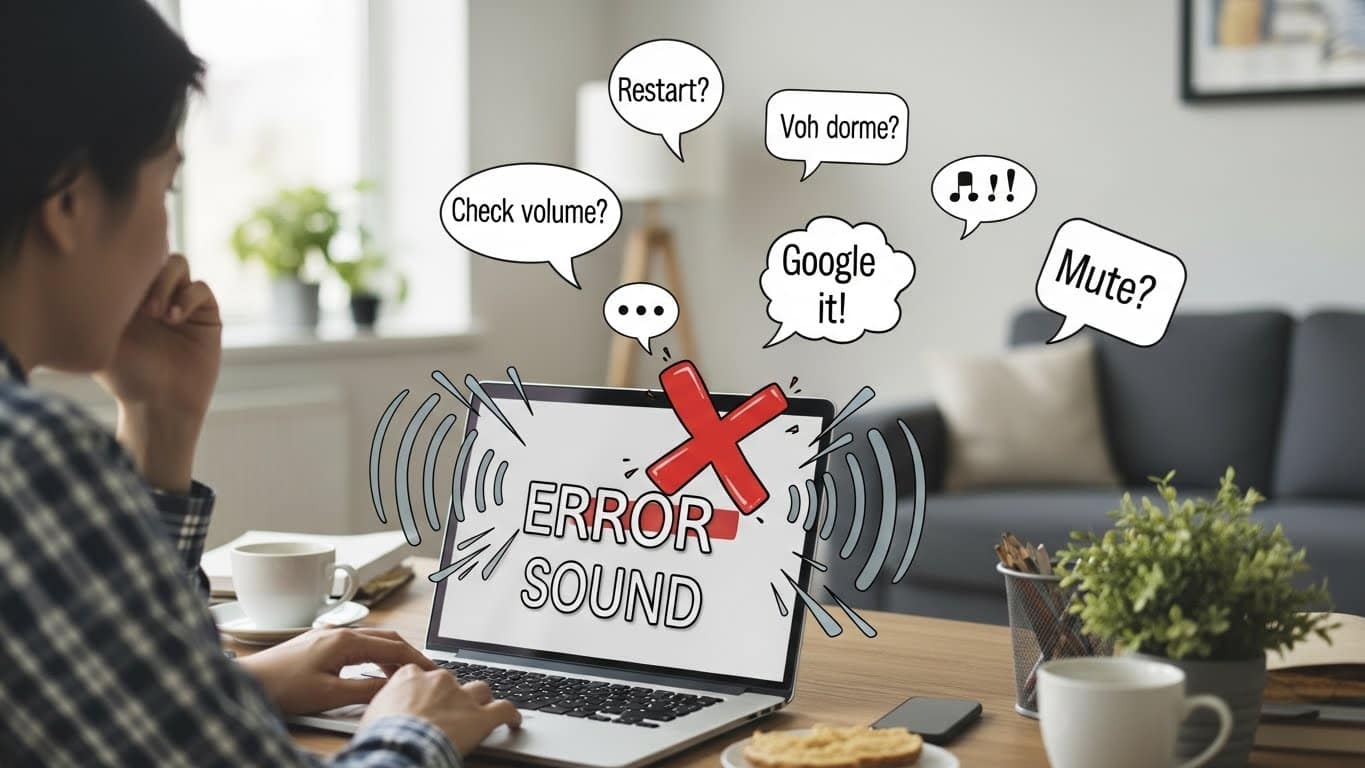
The windows error sound is a familiar alert that almost every Windows user has heard at some point. It usually appears when something goes wrong on your computer or when Windows cannot complete a task.
While the sound is helpful as a warning, it can also become annoying, confusing, or worrying—especially when it plays repeatedly without a clear reason.
In this guide, we will explain what the windows error sound means, why it happens, common situations that trigger it, and how you can easily fix or control it.
This article is written in simple and clear language to help all users, even beginners.
What Is Windows Error Sound?

The windows error sound is a built-in system alert used by Microsoft Windows to notify users about problems, mistakes, or blocked actions.
It usually plays when Windows detects something that needs attention, such as an invalid command, missing file, or failed operation.
This sound is part of the Windows sound scheme and is connected to system events. When Windows detects an error or warning, it plays this sound to immediately inform you.
Why Windows Uses Error Sounds
Windows uses error sounds to make users aware of problems without needing to look at the screen. These sounds:
- Warn about incorrect actions
- Notify when something fails to open
- Inform about system-level issues
- Alert users of blocked or restricted operations
The windows error sound helps prevent mistakes and encourages users to fix issues quickly.
Common Situations That Trigger Windows Error Sound
Many everyday actions can cause the windows error sound. Below are the most common ones:
Trying to Open a Missing File
If you double-click a file that no longer exists, Windows will play the error sound to let you know it cannot find the file.
Clicking a Disabled Option
When you click a button or menu that is currently disabled, Windows plays the windows error sound to show that the action is not allowed.
Entering Wrong Commands
Typing incorrect commands in system tools or settings can cause the windows error sound.
Hardware Problems
Loose cables, disconnected devices, or faulty USB ports can also trigger this sound.
Software Conflicts
When programs fail to load properly or crash, Windows may play the error sound.
What the Windows Error Sound Means
The windows error sound does not always mean something serious. Sometimes it is just a warning. However, repeated or unexpected error sounds may indicate:
- Corrupted system files
- Driver problems
- Application conflicts
- Hardware connection issues
- Low system resources
Understanding the cause can help prevent bigger problems in the future.
Types of Windows Error Sounds
Windows includes different error sounds for different situations. Some common ones include:
- Critical stop sound
- Warning sound
- Default beep
- Device disconnect sound
- Program error sound
Each of these sounds has a specific meaning, but many users simply hear them as the windows error sound.
How to Identify What Is Causing Windows Error Sound
To fix the problem, you need to identify the source. Here are simple ways to do that:
Check Recent Actions
Think about what you were doing when the sound played. Were you opening a file, connecting a device, or installing a program?
Look for Error Messages
Sometimes Windows shows a message box along with the sound. Read it carefully.
Check Device Manager
If the sound appears when connecting hardware, check if the device is properly installed.
Check Task Manager
Look for apps that are not responding or using too many resources.
How to Change or Disable Windows Error Sound
If the windows error sound becomes too annoying, you can control it:
Change the Sound
You can replace the default windows error sound with a softer or quieter tone.
Lower the Volume
Adjust system sound levels to reduce how loud error alerts are.
Turn Off the Error Sound
You can disable error sounds completely if you prefer silent notifications.
Is It Safe to Turn Off Windows Error Sound?
Yes, it is generally safe to turn off the windows error sound. However, you may miss important warnings. It is better to lower the volume or change the sound rather than disabling it completely.
When Windows Error Sound Indicates a Bigger Problem
If the sound happens frequently without any clear action, it could be a sign of:
- Hard drive problems
- Memory issues
- Malware infections
- Corrupted Windows files
In such cases, it is important to investigate further to avoid data loss or system crashes.
Frequently Asked Questions About Windows Error Sound
Why does my computer beep randomly?
Random beeps are often related to background software errors, hardware problems, or driver issues.
Can malware cause windows error sound?
Yes, malware can trigger system warnings and repeated error sounds.
Is windows error sound the same in all Windows versions?
The sound style may change slightly, but its purpose remains the same across Windows versions.
Conclusion:
The windows error sound is an important built-in feature that helps users understand when something is wrong with their system. While it can be annoying,
it plays a valuable role in protecting your computer and alerting you to issues that need attention.
By learning what causes the windows error sound and how to fix it, you can keep your computer running smoothly, avoid stress, and enjoy a more comfortable Windows experience.